
Learn to Read: Reading.com
Teaching.comEducation
4.7799.00 Reviews
- Version
- 5.13.6
- Installs
- 1.00M
- Age Rating
- Everyone
Screenshots
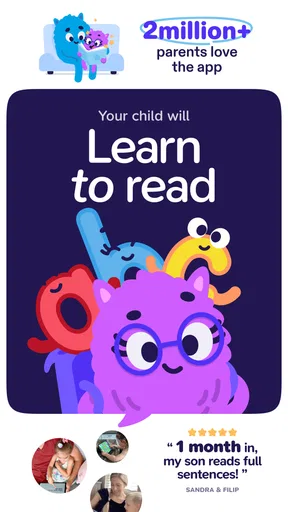
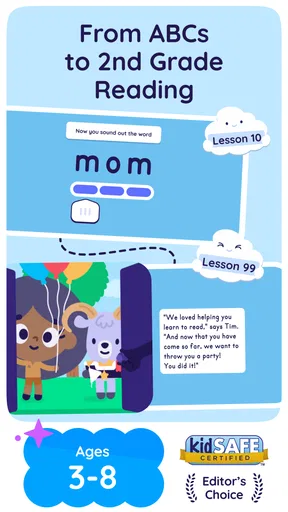
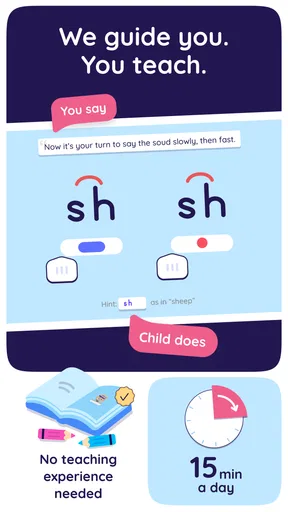
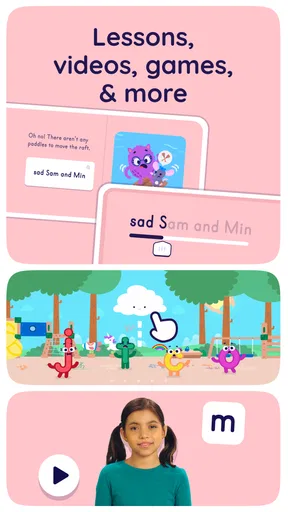
Our Review of Learn to Read: Reading.com
 Analysis by Appyee
When I’m choosing a reading app for a child, I look for more than bright screens and quick rewards. I want a clear path from recognizing letters to trying out words, activities a child can manage without constant adult help, and enough room for a parent to stay involved. Learn to Read: Reading.com is an education app from Teaching.com built around early literacy, including phonics and letter tracing. It is free to install, though in-app purchases range from $11.99 to $119.99 per item, so I’d check what is included before making it part of a regular routine.
Who is likely to get the most from it?
I’d consider it for families who want a dedicated introduction to reading rather than a broad collection of unrelated children’s games. Its focus makes it easier to keep a short practice session pointed toward a skill, especially when a child is just beginning to connect letters and sounds. The app is rated for Everyone, and its 4.7 average from around 5,600 ratings suggests many users have found it useful, although a rating alone cannot tell me whether its teaching style will suit a particular child.
It may also help a parent who wants a simple activity to try alongside shared reading. For instance, after a bedtime story, you could spend a few minutes on a letter or sound the child noticed in the book, then return to the printed pages together. That kind of pairing matters: an app can offer practice, but it should support conversations and books rather than replace them. I’d treat it as one tool in a reading routine, not as a substitute for an adult listening to a child read.
A practical way to fit practice into the day
Imagine a child has a little time before dinner and is reluctant to sit down with a workbook. I’d use that window for one brief session, choose a manageable activity, and stop while the child is still engaged. Later, I might ask them to spot the same sound on a cereal box or in a picture book. This gives the screen activity a real-world follow-through, without turning every moment into a lesson.
A useful habit is to let the child try first, then offer help only when they stall. If an activity asks them to identify a sound or trace a letter, resist giving the answer immediately; a pause gives them a chance to recall what they have practiced. If frustration builds, I’d switch to reading aloud together rather than pushing through. That is not a failure of the app or the child—it is a sign that the session needs a different pace.
First Impressions and Setup
Setting up Learn to Read: Reading.com is as easy as pie. The interface is bright, colorful, and immediately inviting for kids. It’s one of those apps that doesn’t overwhelm you with too many options right off the bat. After a quick download, you’re greeted with a cheerful welcome screen that even the most app-averse parent can navigate with ease. I mean, who doesn’t love an app that’s intuitive?
The initial setup involves creating a profile for your child. This is where you input their age and reading level, which the app uses to tailor content specifically to their needs. It’s like having a personalized reading tutor right in your pocket. And, yes, it’s as cool as it sounds!
Features That Stand Out
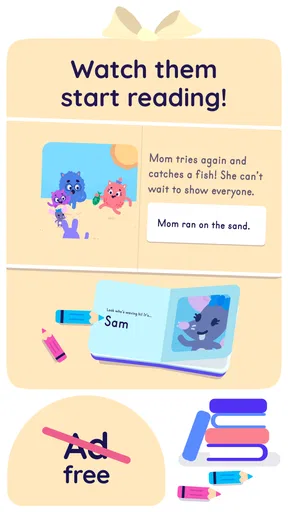
Let’s talk features. This app is packed with them, each more exciting than the last. First off, we have the interactive stories. These are not your average eBooks. They’re designed to engage kids with animations and sound effects that make the stories come alive. I’ve seen kids literally light up when a character waves or makes a funny noise. It’s like reading, but way more fun!
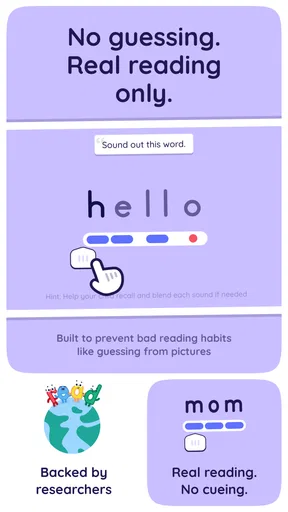
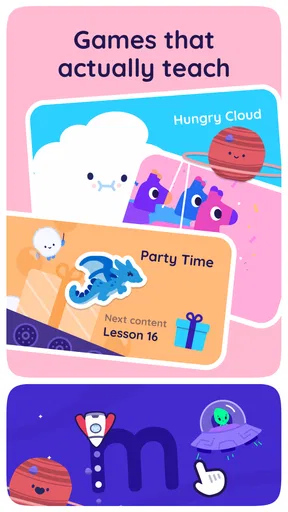
Another great feature is the phonics-based learning activities. These activities are cleverly disguised as games, so kids don’t even realize they’re learning. They cover everything from letter sounds to word recognition, and they do it in a way that’s both fun and educational. I can’t tell you how many times I’ve heard parents rave about how much their kid has learned without even realizing it. It’s genius!
How it compares with other ways to learn
Compared with a basic digital picture book, this app is the more structured choice: it is intended to practice early reading skills, not just display a story on a screen. Compared with flashcards or a paper workbook, the app may feel more inviting to a child who responds well to interactive activities. But a printed book has a strength a screen cannot reproduce: an adult and child can pause anywhere, talk about a picture, and follow the child’s curiosity without being guided by an activity.
Those options are not mutually exclusive. I’d use a workbook when a child needs slow, hands-on letter practice, and choose a read-aloud when the goal is enjoyment, vocabulary, or conversation. The app is most appealing when the child is ready to engage with guided digital practice. If they find screens distracting, resist tracing activities, or need an adult to explain each step, a physical book or one-to-one support may be a better starting point.
User Experience and Navigation
Navigating through the app is a breeze. Each section is clearly labeled, and the app does a fantastic job of guiding you from one activity to the next. There’s a clear progression from simpler tasks to more complex ones, which helps build confidence in young readers. Kids can easily pick up where they left off, which means less frustration and more learning.
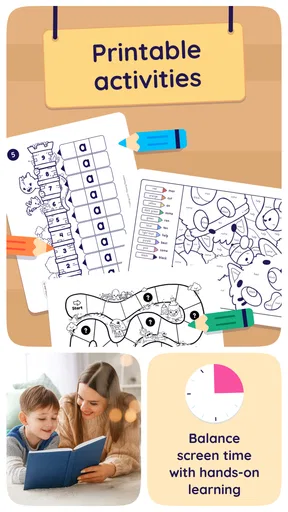
I especially appreciate the parental controls. You can set reading goals, monitor progress, and even limit the time your child spends on the app. It’s all about balance, right? These features are perfect for keeping tabs on how your child is doing without hovering over their shoulder constantly.
Make the routine work for your child
For a smoother start, I’d sit with the child for the first few sessions instead of handing over the device and expecting them to understand the routine. Watch which activities hold their attention and which ones bring hesitation. That tells you whether the challenge feels appropriate more reliably than simply asking whether they like the app. Once they know how to begin and move between activities, you can give them more independence while still checking in.
I would also keep sessions deliberately modest. A child who is tired or eager to do something else may rush through prompts, which makes practice less meaningful. It can help to agree on a stopping point before opening the app, then close it when you reach that point rather than extending the session because the child is still tapping. The goal is a repeatable, positive habit, not the longest possible screen session.
Content Quality
One thing that really impressed me is the quality of the content. The stories are well-written, engaging, and appropriate for various age levels. The vocabulary used is spot on, and I love how the app introduces new words gradually, ensuring kids don’t feel overwhelmed. It’s like having a curriculum that adapts to your child’s pace.
Moreover, the app frequently updates its library, which means there’s always something new to explore. This keeps kids coming back for more, eager to see what new adventures await them. Trust me, anything that keeps a kid’s attention this long deserves a gold star!
Cost, commitment, and switching later
The app is free to download, but the listed in-app purchase range is broad enough that I would not assume every part of the experience is included at no cost. Before a child builds a daily habit around it, I’d look carefully at the purchase options shown in the app and decide what, if anything, is worth paying for. The current version is 5.6.13, and it requires Android 8.0 or later; the app was released on July 13, 2023. It has passed 500,000 installs, but that popularity does not remove the need to check compatibility and costs on your own device.
Switching away later should be manageable if you avoid making the app the only place a child practices. Keep reading physical books and talking about letters in everyday settings, so skills are not tied to a particular interface. If the child has grown beyond beginner activities, you can shift toward library books, school materials, or another resource better matched to their current level. I’d also revisit the routine if progress seems stalled: repeating an activity more often is not always the answer, and a teacher or reading specialist can offer more targeted guidance when a child needs it.
Final Thoughts
In conclusion, Learn to Read: Reading.com is a fantastic tool for parents who want to give their kids a leg up in reading. It combines fun, learning, and ease of use in a way that few apps manage to do. The interactive elements and personalized learning paths make this app a standout choice for anyone looking to boost their child’s reading skills.
If you’re in the market for a reading app that truly delivers, this one should be on your radar. Download it, explore it, and watch your child’s reading skills soar. You won’t be disappointed. Happy reading!
My recommendation
I’d try it if your child is at the beginning of learning to read, enjoys guided screen activities, and you are comfortable checking purchase options before settling into a routine. I’d skip it—or use it only occasionally—if you want a completely free, open-ended library, if screen time is a source of conflict at home, or if your child needs individualized instruction beyond what an app can provide. For families in the middle, the sensible approach is to test a short session together, see whether the child can follow the activities without pressure, and keep books and conversation at the center of learning.
Privacy and Permissions
See what permissions an app requests and how it handles your data.
- Other
- view network connections, full network access, run at startup, control vibration, prevent device from sleeping
Verdict
Strengths of Learn to Read: Reading.com
- Engaging interactive lessons.
- Suitable for various learning levels.
- Colorful and child-friendly design.
- Progress tracking for parents.
- Available offline for on-the-go use.
Limitations of Learn to Read: Reading.com
- Limited free content available.
- Requires high storage space.
- Some features need internet access.
- Occasional in-app purchase prompts.
- Not fully customizable for advanced learners.
Similar Picks in This Category
View All
Duolingo: Language Lessons
Duolingo4.7

Google Classroom
Google LLC2.8

Unacademy: Learn & Crack Exams
Unacademy3.2

Bible App for Kids
Life.Church4.4

Cake - Learn English & Korean
Cake Corp.4.7

Brainly: AI Homework Helper
Brainly4.5
Frequently Asked Questions
What age group is Learn to Read: Reading.com suitable for?
Learn to Read: Reading.com is designed for children aged 3 to 7 years. The app offers interactive reading activities and games that cater to the developmental stages of early readers, ensuring they build foundational skills in a fun and engaging way. It's perfect for preschoolers and early elementary students.
Does Learn to Read: Reading.com require an internet connection?
The app primarily functions offline, allowing children to practice reading anywhere without the need for a constant internet connection. However, some features, such as content updates or additional downloadable materials, may require occasional online access to keep the app current and functional.
Are there in-app purchases in Learn to Read: Reading.com?
Yes, while the app offers a range of free content, there are optional in-app purchases available. These purchases unlock additional resources, stories, and interactive learning modules that enhance the reading experience. Parents can manage these purchases through the device settings to ensure a safe environment.
Is Learn to Read: Reading.com safe for children to use?
The app is designed with child safety in mind, featuring an ad-free environment and content appropriate for young learners. Parental controls are available to monitor usage, and no personal information is collected from users, ensuring a secure and private experience for children.
Can multiple children use the same Learn to Read: Reading.com account?
Yes, the app allows multiple profiles to be created under a single account. This feature enables parents to track the progress of each child individually, ensuring that the app's activities and content are tailored to the specific learning level and progress of each user.
